The first cut.
Still your voice.
Turn Mandarin talking-head footage into an editable transcript.
Let AI suggest a rough cut. You make the final call.
 Download for Mac
Explore the workflow
Download for Mac
Explore the workflow
macOS 13+ Apple silicon & Intel Your own Doubao and OpenAI keys required
First launch needs an extra macOS approval. Installation guide
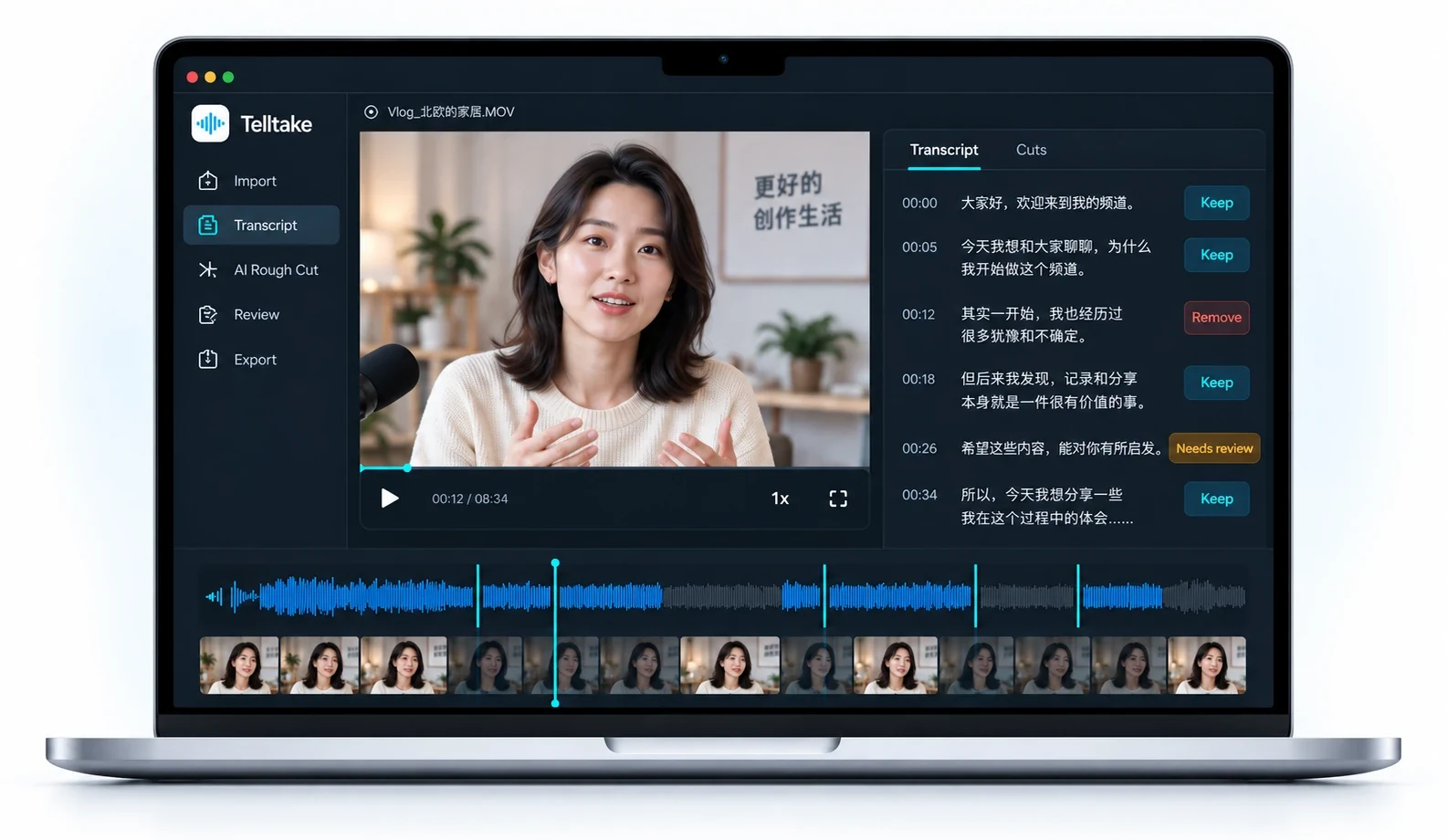
A simpler way from footage to a first cut
Three steps. A clearer video.
-
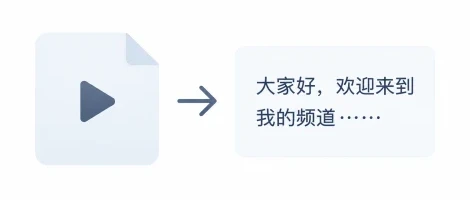
Bring your takes.
Import your video, and let Telltake transcribe it in Mandarin.
-
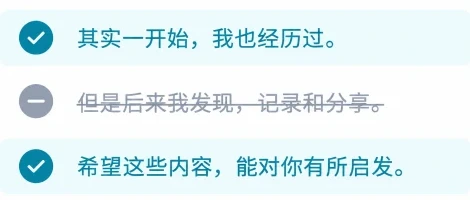
Shape the transcript.
Use AI to get a rough cut, then keep or remove what you want.
-
Review your cut.
Play it back, make adjustments, then approve and export from your original footage.
See it in 30 seconds
From raw takes to a first cut.
Your work stays yours
Original footage stays on your Mac.
Audio is sent for transcription. Text is sent for AI editing.
How your data is handled
Before you download
Version 1.0.1 for macOS 13 or later. Open the disk image and drag Telltake to Applications. The app is not registered with Apple’s developer program, so the first launch requires an extra approval. Follow the installation guide.
You need your own Doubao speech API key and OpenAI API key. Keys are stored in your Mac’s Keychain. Provider charges go to your accounts; the app shows a per-request estimate.
Built for one speaker, one camera, primarily Mandarin with natural English mixed in. Telltake makes a first pass for you to review. It keeps your recording’s order and does not add captions, music, effects, or publish your video. See the development evidence for what has been measured.